
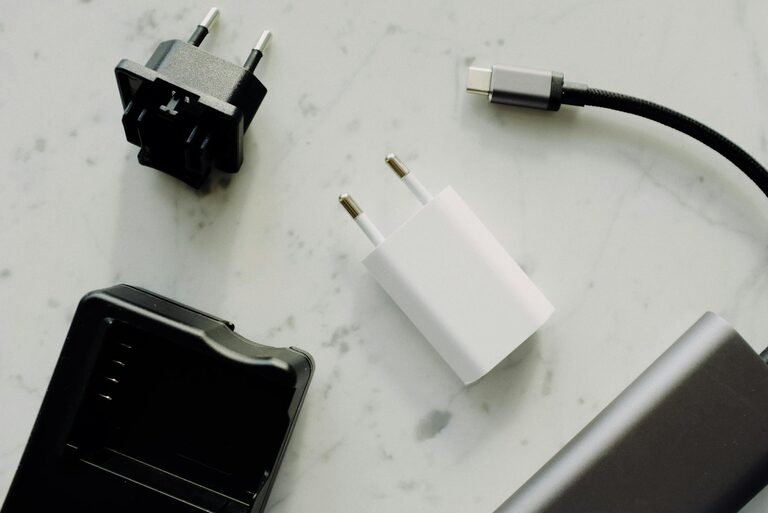
Having multiple devices like smartphones, tablets, smartwatches, and wireless earbuds means juggling chargers and cables everywhere. Setting up a dedicated charging station can help you keep these devices organized, ensure they’re charged when you need them, and reduce clutter. Whether you want a compact corner in your living room or a small setup on your desk, this guide will walk you through creating an efficient charging station at home.
Why Have a Charging Station?
Before diving into the setup, it’s helpful to understand the benefits of establishing a charging station:
– Organization: Keeps devices and cables in one place, reducing clutter.
– Efficiency: Charges all your devices together, saving time.
– Safety: Prevents cables from tangling and devices from overheating.
– Convenience: Easy to locate devices and chargers when needed.
Ready to build your own? Let’s get started!
Step 1: Choose the Right Location
Decide where your charging station will live. Some common spots include:
– A corner of your desk or work area
– A shelf or side table in a family room
– Near a power outlet for easy access
– A charging drawer or cabinet, if you prefer a hidden setup
Consider these factors:
– Easy access to electrical outlets
– A flat, stable surface
– Minimal exposure to moisture or heat sources
– Enough space for your devices and chargers
Step 2: Select the Charging Equipment
Choosing the right chargers and accessories is key to an effective station.
Multi-Port USB Chargers
Invest in a high-quality multi-port USB charger. These devices allow several USB cables to plug into one power outlet, reducing the need for multiple adapters.
Benefits:
– Fewer wall sockets used
– Centralized charging hub
– Compatible with a variety of devices
Wireless Charging Pads
If your devices support wireless charging, consider adding a wireless charging pad or stand. This reduces cable clutter and makes it easy to set devices down.
Charging Cables
Use the right cables for all your devices (USB-C, Lightning, micro-USB). Keep a few spare cables handy in case of wear or for guests.
Step 3: Organize Your Cables and Devices
Cable management is essential for a tidy station.
Cable Holders and Clips
Use adhesive cable clips or holders to keep cables in place and prevent tangling. Position them along the edge of your desk or charging station surface.
Velcro Straps or Twist Ties
Bundle excess cables neatly to avoid mess.
Device Stands
Consider using stands or docking stations that hold devices upright. This saves space and makes devices easy to see and use while charging.
Step 4: Set Up the Charging Station
Now that you have all your equipment and organization tools, here’s how to assemble it:
- **Place the Multi-Port Charger**: Position your charger close to the power outlet and plug it in.
- **Arrange Devices**: Place your device stands or pads on the station surface.
- **Connect Cables**: Attach cables to the charger and run them through cable holders.
- **Plug in Devices**: Connect all your devices to start charging.
- **Label Cables (Optional)**: If multiple people use the station, labeling cables can help identify whose charger is whose.
Step 5: Maintain Your Charging Station
To keep your station working well:
– Regularly dust and wipe down surfaces.
– Check cables and chargers for damage.
– Replace worn-out cables.
– Reorganize devices as your collection changes.
Additional Tips
– Use surge protectors to safeguard devices from power spikes.
– Avoid overloading the multi-port charger beyond its rated power.
– For families, consider adding a small basket or tray for portable power banks.
– Create charging routines, like placing devices in the station before bed.
Conclusion
Setting up a dedicated charging station is a simple way to bring order to your tech life. With a thoughtfully chosen location, appropriate equipment, and good cable management, you can keep all your devices powered up and easy to find. Try these steps today to enjoy a clutter-free, efficient charging experience at home!